

You tap a button that says “Connect your bank,” pick your bank from a list, log in on a screen that looks like your bank’s own login, and tick a box you probably don’t read in full. Within seconds, a budgeting app or a lending platform can see your transaction history going back months. That moment, repeated millions of times a day now, is open banking in practice. No cables were spliced and no vault door was pried open. You gave permission, and a system built for exactly this purpose moved your data from one company to another.
This article tracks what that permission actually does, where your data goes after you grant it, and what changes for you because of it, not the technical standard behind it.
The Day Your Bank Started Sharing Your Data
For most of banking history, your transaction history lived in one place: your bank’s own systems, visible to you and to the bank, and to almost no one else without a court order or a long paper process. Open banking changed that by requiring banks, in many markets, to let you direct your own data to third parties through a secure, regulated channel.
The shift didn’t arrive as a single announcement. It arrived as a new button in your banking app, a new option during signup for a budgeting tool, a new “link your account” step when you applied for a loan online. Each of those small moments is a consumer consent event: a company asking you to authorize a data transfer, and you agreeing, usually in under a minute.
How Open Banking APIs Actually Move Your Information
When you tap “connect,” your bank doesn’t hand your login credentials to the app you’re using. Instead, you’re redirected to your bank’s own authentication screen, you log in there directly, and your bank issues a token, a piece of digital permission, back to the requesting app through an API, a standardized channel built for this exchange.

That token tells the app what it’s allowed to see: which accounts, what date range, whether it can see balances only or full transaction detail, and for how long the permission lasts before you have to renew it. The app never holds your password. It holds a scoped, revocable key to a defined slice of your financial life.
The practical result is that your transaction data, categorized, timestamped, and often tagged by merchant, can now flow to a budgeting app, a lending platform, an accounting tool, or a comparison site, all without you typing your bank password into each one separately. The reader who wants the mechanics of how a fintech app actually locks down a connection like this, rather than just the consumer-facing steps, can look at how fintech apps actually secure that connection.
The Apps and Services Now Built on Your Bank Data
Once that data channel exists, entire categories of app get built on top of it. Budgeting and net worth tools pull transactions from every account you link and sort them into categories automatically, instead of asking you to enter spending by hand. Lenders use linked transaction history to assess income and spending patterns in minutes rather than asking for PDF statements and waiting days for a human to review them.
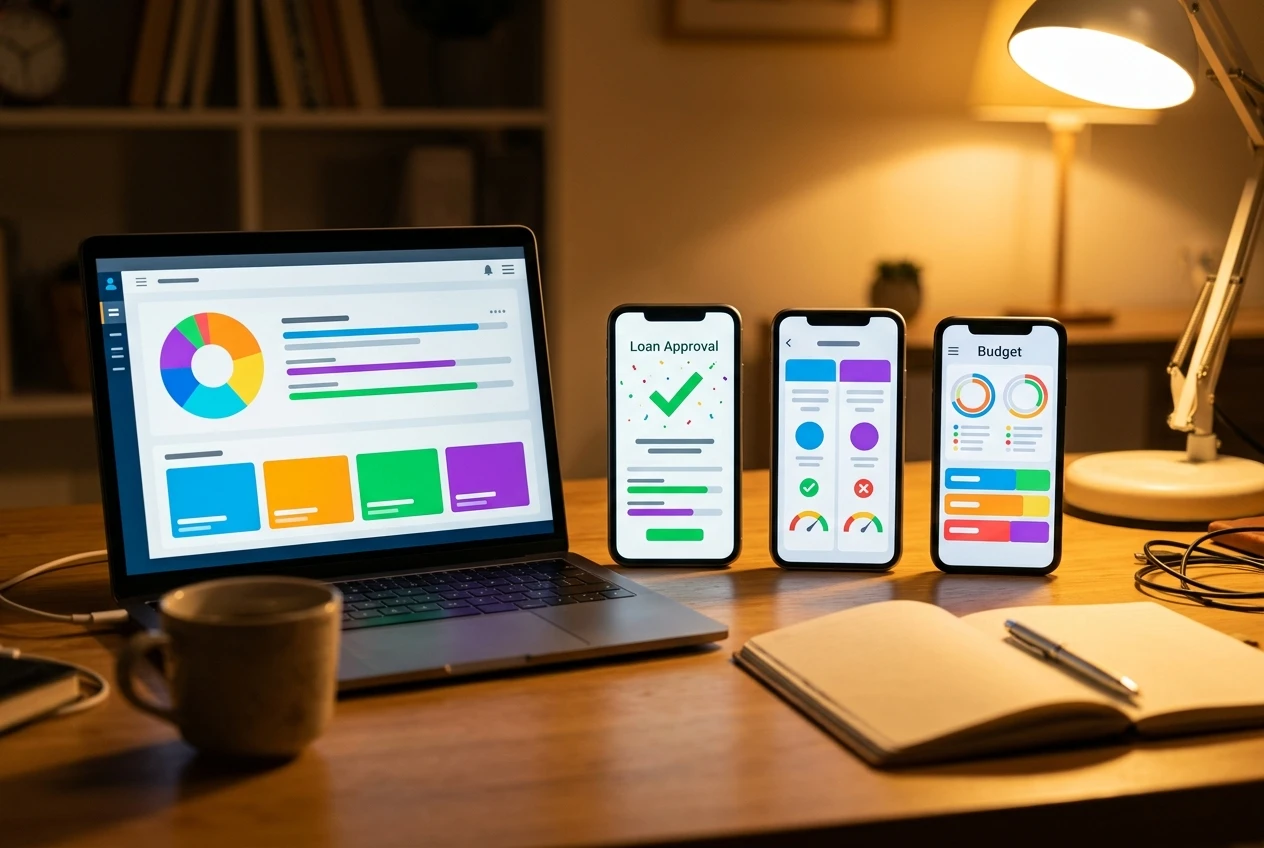
Comparison and switching services use linked data to recommend a better savings rate or a cheaper insurance policy based on what you actually spend, not what you guess you spend. Accounting software for small business owners pulls business account transactions directly, cutting out manual reconciliation. Some apps go further and initiate payments directly from your account, a second open banking capability that sits alongside data sharing and lets you pay a bill or move money without typing in your card details at all.
None of these apps could offer what they offer without the underlying data channel. The convenience is real, and it depends on the same permission screen each time.
What You Gain: Better Rates, Smarter Budgeting, Faster Loans
The upside of this system is concrete. A lender who can see three months of verified transaction history, rather than a self-reported income figure, can often approve a loan faster and sometimes offer a better rate, because the risk is easier to assess. A budgeting app that pulls data automatically removes the single biggest reason people abandon budgeting: the manual entry that gets dropped after two weeks.
Switching services that can see your actual bills and spending can point you to a cheaper provider without you doing the comparison yourself. Small businesses get bookkeeping that updates in near real time instead of at month end. People with thin or unconventional income, freelancers and gig workers in particular, sometimes get access to credit products that a traditional income-verification process would have rejected, because transaction history tells a fuller story than a pay stub.
These gains are the reason open banking spread as fast as it did. They are also the reason it’s worth understanding what you’re trading for them.
What You Risk: Consent Fatigue and Who Really Sees Your Spending
The first risk is ordinary and easy to underestimate: consent fatigue. Every new app asks you to link an account, every link comes with a permission screen, and after the tenth or twentieth one, most people stop reading them and just tap accept. That habit is exactly what makes broad, poorly scoped permissions possible, because the friction that would normally make you pause is gone.
The second risk is about who ends up holding a copy of your spending data once you’ve linked it. A permission token can be revoked, in theory, but revoking it at the bank doesn’t always delete the copy of your data the third party already pulled and stored. Some apps keep that data to improve their own product, some share aggregated versions of it with partners, and the exact terms of that live in a privacy policy that very few people read before connecting an account.
The third risk is scope. A loan application might only need to verify income, but the permission screen may ask for access to your full transaction history across every linked account, categories like spending on gambling or health services included, because broader access is easier to request and often easier to grant than a narrowly scoped one. You can decline or edit that scope in many apps, but it takes a deliberate choice to do it, and the default is usually “share everything.”
None of this means open banking is unsafe in the way a data breach is unsafe. The data is moving through regulated channels with authentication at each step. The risk here is about scope creep and about not knowing, months later, which half dozen companies still have a readable copy of last year’s transactions.
Reading a Permission Screen Before You Tap Accept
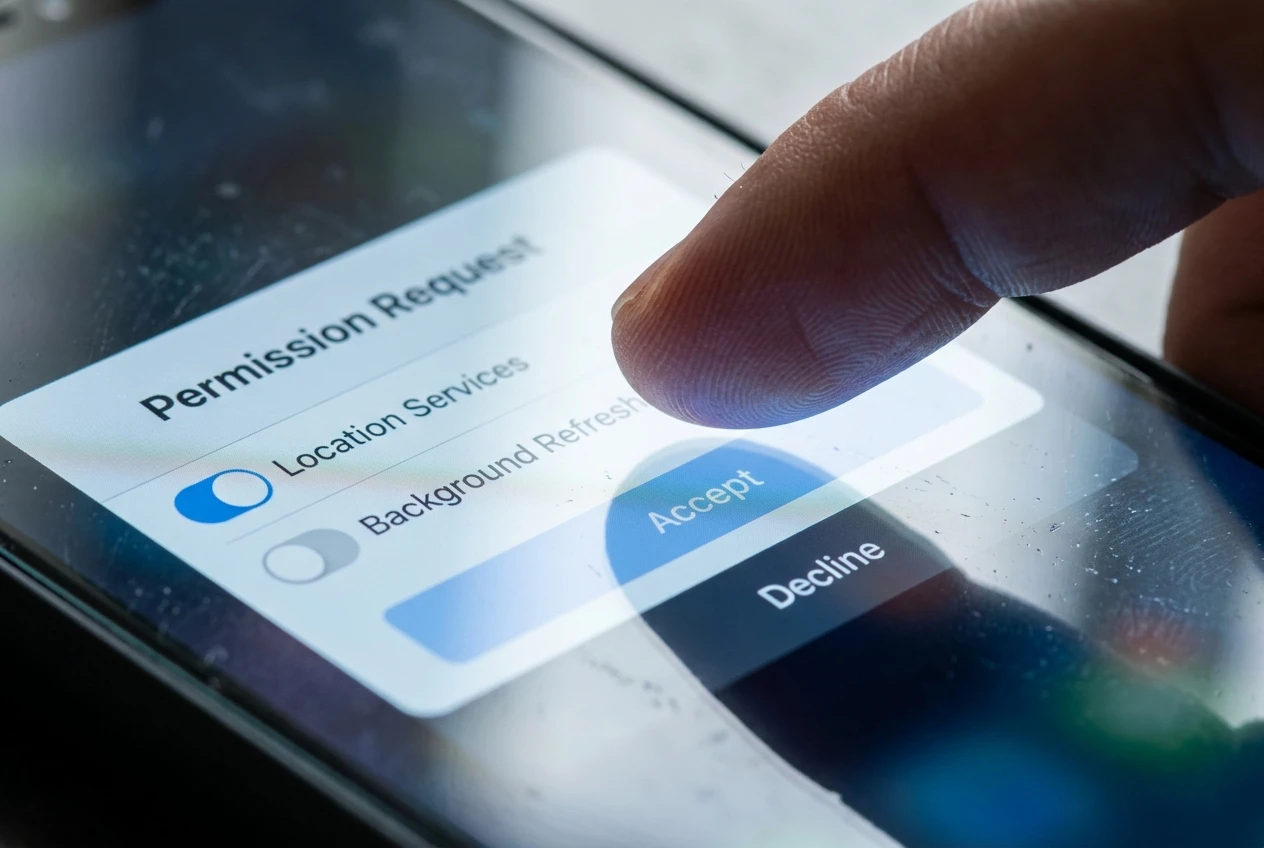
A permission screen is doing real work, even when it’s short. Before you tap accept, it’s worth looking for a few specific things:
-
What data is being requested. Account balances only, or full transaction history, or both.
-
How long the permission lasts. Some are one-time, some renew automatically every 90 days, some run indefinitely until you revoke them.
-
Whether the access is read-only or includes payment initiation. Those are two different permissions and should be treated differently.
-
Who the counterparty is. The app you’re using directly, or a data aggregator working behind the scenes on its behalf, which is common and not disclosed as clearly as it should be.
-
Where to revoke it later. Most banks have a connected apps or permissions section in their own app where you can see every third party you’ve linked and cut access without needing the original app’s cooperation.
Reading this once per app, rather than tapping through on autopilot, is the single habit that keeps the convenience of open banking from quietly turning into an unmanaged list of companies holding your spending history.
Where This Is Headed for Your Wallet
Open banking is expanding past simple account linking into richer permission systems, sometimes called open finance, that can include investment accounts, pensions, and insurance data alongside bank transactions. The same consent mechanics apply: a permission screen, a scoped token, a revocable grant. The scope of what that single tap controls is only getting larger.
For the person using these apps, the practical shift is this: your financial life is no longer locked inside one bank’s walls, and that openness is what makes faster loans, automatic budgeting, and better rate comparisons possible. The price of that convenience is a permission screen you need to actually read, and a habit of checking, every so often, exactly who still has a key to your transaction history.
Before linking a bank account to a new app, read how fintech apps actually secure that connection at Securing Your Fintech Application: The Layers That Actually Matter.