
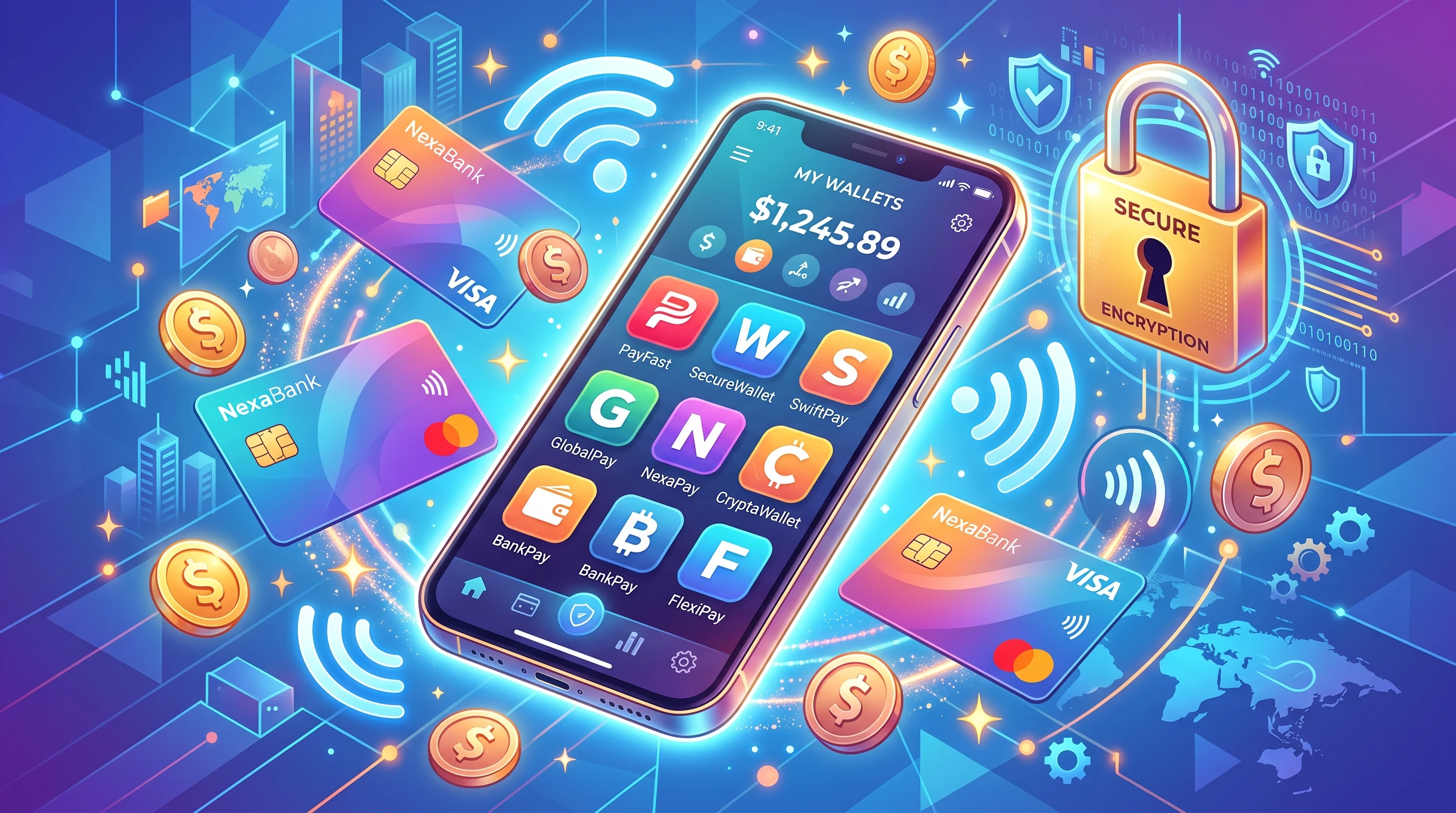
Mobile banking and digital wallets have changed the way I handle money, making daily transactions easier and faster than ever. Instead of carrying around cash or digging through stacks of cards, I use my phone to pay for groceries, transfer funds, and check my account balance—all in a few taps. With all these benefits, understanding how mobile banking and digital wallets work can really help anyone who wants to make the most out of today’s financial tech.
What are Mobile Banking and Digital Wallets?
Mobile banking is all about accessing regular banking services right from your phone or tablet. With a mobile banking app, I can check balances, transfer money, pay bills, or even apply for loans without setting foot in a bank branch. Almost every major bank now has a well-designed mobile app, so handling money can happen anytime and anywhere, whether I’m at home, at work, or on the move. This accessibility makes managing finances a breeze, especially for busy people or those who travel frequently.
Digital wallets, on the other hand, are apps or online services that let me store and manage payment information electronically. When I pay for something using Apple Pay, Google Wallet, PayPal, or Samsung Pay, I’m using a digital wallet instead of physically swiping a card or counting bills. These wallets use encryption and tokenization to keep financial details safe during transactions. Not only can I use digital wallets for in person payments but also for online purchases, transit passes, loyalty cards, boarding passes, and sometimes even storing event tickets—all in one place on my device.
Digital Wallet vs. Mobile Wallet: What’s the Difference?
I get a lot of questions about the difference between a digital wallet and a mobile wallet. It’s easy to mix them up, but there are some handy ways to tell them apart.
- Digital Wallet: This is a general term. It’s an electronic system that stores payment info, tickets, IDs, and more. Digital wallets work on different devices, from computers and tablets to smartphones.
- Mobile Wallet: This is a type of digital wallet made specifically for mobile devices like smartphones and smartwatches. Apple Pay and Google Pay are good examples; they’re set up to use your phone’s hardware (like near field communication, or NFC) to make in store payments with a tap.
So, all mobile wallets are digital wallets, but not every digital wallet is a mobile wallet. Digital wallets cover more use cases and devices, while mobile wallets are just a branch of that family focusing on phones and watches.
How Digital Wallets Work: Explained Step by Step
Think of a digital wallet like a virtual purse that securely stores your card info, cash balance, tickets, and even loyalty points. Setting up a digital wallet isn’t complicated and only takes a few minutes:
- Download a Wallet App: Pick your favorite (Apple Pay, Google Wallet, PayPal, Venmo, etc.) and install it on your phone or tablet.
- Add Payment Methods: I usually add one or more credit or debit cards or link my bank account. The app encrypts this info, so actual card details aren’t exposed when I use the wallet.
- Make Payments: When I want to pay, I just tap my phone on a payment terminal if I’m in a store or use the app’s “Pay” button for online purchases. Some wallets use NFC, some create singleuse QR codes, and others let me send money directly to someone by entering their email or phone number.
- Security Checks: Most digital wallets use fingerprint, face recognition, or passcodes to approve payments. This keeps things pretty secure even if I lose my phone.
If you’re new to this and want a really simple explanation, a digital wallet holds your payment info on your phone instead of in your pocket, and you use your phone to complete payments instead of digging out a card or cash.
How Mobile Banking Works: The Basics
Mobile banking apps bring traditional bank services to my finger-tips. Here’s what happens behind the scenes when I use one:
- Account Access: After logging in with a username, password, or biometric security, I can see my balances, recent transactions, and even notifications about suspicious activity.
- Payments and Transfers: I can send money between accounts, pay bills, or transfer funds to another person. The app sends these instructions securely to the bank’s own servers. Often, transactions are completed in minutes, and notifications let me know right away when money moves.
- Check Deposits: Some banks let me snap a photo of a paper check to deposit it, saving a trip to the branch.
- Other Tools: Features like budgeting tools, financial calculators, and instant push notifications help with managing my money in real time. Many mobile banking apps also provide spending insights or alerts that help me track down areas where I might be able to save each month.
Mobile banking apps are continually getting better, adding new tools like investment options, customer support chat boxes, or even the ability to freeze your card if you misplace it. All of this adds up to an all-in-one financial hub right in my pocket.
How to Transfer Money from a Digital Wallet to a Bank Account
Moving money from a digital wallet into my bank account is simple in most popular apps. Here’s a general guide I follow:
- Open the Digital Wallet App: Log in to PayPal, Venmo, Cash App, or whichever service you use.
- Link Your Bank Account: If you haven’t already, add your bank account details in the wallet’s “Settings” or “Banks & Cards” section. This may include entering your routing and account numbers or sometimes logging in to your bank through the app’s secure interface.
- Find the Transfer Section: There’s usually an option labeled something like “Transfer to Bank” or “Withdraw to Account.”
- Select the Amount: Enter how much you want to move. Some apps let me choose between “Instant” (for a small fee) or “Standard” (free or with a lower fee, but takes a day or two).
- Confirm the Transfer: Doublecheck the details, then approve the transaction, usually with a fingerprint, face scan, or password.
Once completed, I just wait. The money usually shows up in my bank account according to the app’s transfer timeframes. Some instant transfers arrive within minutes, while standard transfers may take up to 1-3 business days.
What Makes Mobile Banking and Digital Wallets So Popular?
There are a few key reasons why these tools are everywhere lately:
- Convenience: No need to visit a branch, wait in ATM lines, or even carry a wallet, just my phone.
- Speed: Sending cash, making payments, or depositing checks can be handled in seconds. This is especially helpful in emergencies or when paying for things on the fly.
- Security: Mobile wallets use strong encryption, tokenization, and biometric locks. Plus, if I ever lose my phone, these apps can be remotely wiped or locked, protecting my financial info.
- Record Keeping: Every transaction is logged, and I get notifications. It’s much easier to track my spending and spot anything odd right away. Having a digital record means managing finances is less stressful and disorganized.
- Worldwide Access: If I travel, I’m able to make payments or check my balances from almost anywhere with an internet connection. Digital wallets also help avoid currency exchange hassles in many destinations.
Downsides and Common Issues With Mobile Wallets
Even though I find digital wallets really convenient, a few downsides come with the territory:
- Device Dependency: If my phone runs out of battery or I lose it, paying for things is tricky until I get access again. Having a backup method is always smart.
- Not Accepted Everywhere: Some smaller shops or countries might not support digital wallet payments yet, so I usually have a backup card or cash just in case. This is changing fast, but acceptance isn’t guaranteed.
- Security Risks: While tech is improving all the time, there’s always some risk if I download a malicious app or fall for a phishing scam. Keeping my phone’s operating system up to date and using strong passwords helps keep things safer. Avoiding suspicious links or downloads is also key.
- Fees: Certain wallets or transfer options (like instant transfers) sometimes come with fees that traditional accounts might not charge for simple transactions. Reading the fee schedule before using a service can help avoid surprises.
Weighing these factors before relying only on digital payment tools helps me avoid headaches down the road. Ultimately, combining digital options with traditional methods is the safest strategy, especially while the world is still warming up to these payments.
Tips for Using Mobile Banking and Digital Wallets Safely
Staying safe while using digital and mobile wallets is pretty important. Here are some habits I follow:
- Use built-in security features like fingerprint, face unlock, or strong PINs and keep your device locked when not in use.
- Download digital wallet apps only from official app stores (Google Play or the Apple App Store) and steer clear of thirdparty downloads.
- Monitor my accounts and set up push notifications to spot transactions immediately so I can act fast if anything looks off.
- Avoid using public WiFi for payments or mobile banking since public connections can expose sensitive info.
- Always log out if the app doesn’t do it for me automatically, especially if sharing devices.
- Update your apps and phone regularly to benefit from the latest security patches.
Following these steps lets me use these tools with more peace of mind. Taking a few precautions can make a big difference in keeping information safe and secure.
Real Life Examples and Everyday Use Cases
Mobile banking and wallets fit into my life in all sorts of ways. Here are a few examples to bring it to life:
- Splitting a Bill: After dinner with friends, I just open Venmo or Cash App and send my share directly from my phone. No more awkward math or fumbling for the right amount of cash.
- Online Shopping: Paying with PayPal, Apple Pay, or Google Pay means I don’t have to type my card info every time, which saves time and keeps my details secure. Plus, purchase protections give added peace of mind for big buys.
- Budgeting: Many banking apps show my spending patterns and categorize expenses, which helps me track down areas I might want to save. Automatic alerts notify me when I’m approaching my budget limits or unusual spending happens.
- Travel: While traveling, I use mobile banking to check balances and move funds, and digital wallets to pay for transit, food, or entry tickets, all without dealing with local currency or looking for ATMs.
These examples show how digital wallets and mobile banking make daytoday finances easier, safer, and more connected.
Frequently Asked Questions
What is the difference between a digital wallet and a mobile wallet?
Digital wallet is a broad term for storing digital payment info, and works on various devices. A mobile wallet is designed specifically for use on mobile devices and often relies on smartphone hardware (like NFC) for payments.
How do I transfer money from my digital wallet to my bank account?
Open your wallet app, link your bank account if needed, and look for the transfer or withdraw option. Choose the amount, decide on instant or standard transfer, confirm, and wait for the deposit to show up in your bank account.
What are the downsides of using a mobile wallet?
Device dependency, acceptance limitations, potential fees, and some security risks make it smart to keep a backup payment method handy and practice good mobile security habits.
How does a digital wallet work for dummies?
Your digital wallet stores payment info securely on your phone. When you want to pay, you open the app and use your phone (by tapping, scanning, or sending money) instead of handing over cash or swiping a card, with your details protected by fingerprint, face scan, or PIN.